
Download iMindQ – mind map, idea mapping, brainstorming tool, visual thinking, knowledge organization, project planning, creative visualization
Overview
iMindQ is a mobile productivity application designed to support users in organizing thoughts, structuring ideas, and enhancing creative problem-solving through visual tools. At its core, the app enables users to create detailed mind maps in a structured and intuitive format, making it a valuable asset for individuals engaged in brainstorming, project planning, or knowledge transfer. The app’s primary purpose is to transform abstract concepts into visual hierarchies, allowing users to explore relationships between ideas more effectively. This functionality benefits students, professionals, educators, and creative thinkers who rely on structured thinking to manage complex tasks or develop new strategies.
The app’s interface draws inspiration from familiar text editing environments like Microsoft Word, offering a user experience that reduces the learning curve for those accustomed to traditional digital tools. This design choice enhances accessibility, particularly for users transitioning from linear note-taking to visual thinking. Real-world applications include academic research outlining, business strategy development, personal goal tracking, and collaborative planning sessions.
By providing a flexible canvas and customizable elements, iMindQ supports both individual ideation and team-based knowledge sharing. Although the developer did not provide additional technical details, the app’s long-standing presence since its release on August 10, 2015, suggests a stable and functional foundation. Its continued availability as a free tool underscores its role as a practical utility within the mobile productivity ecosystem.
Key Features & Functionality
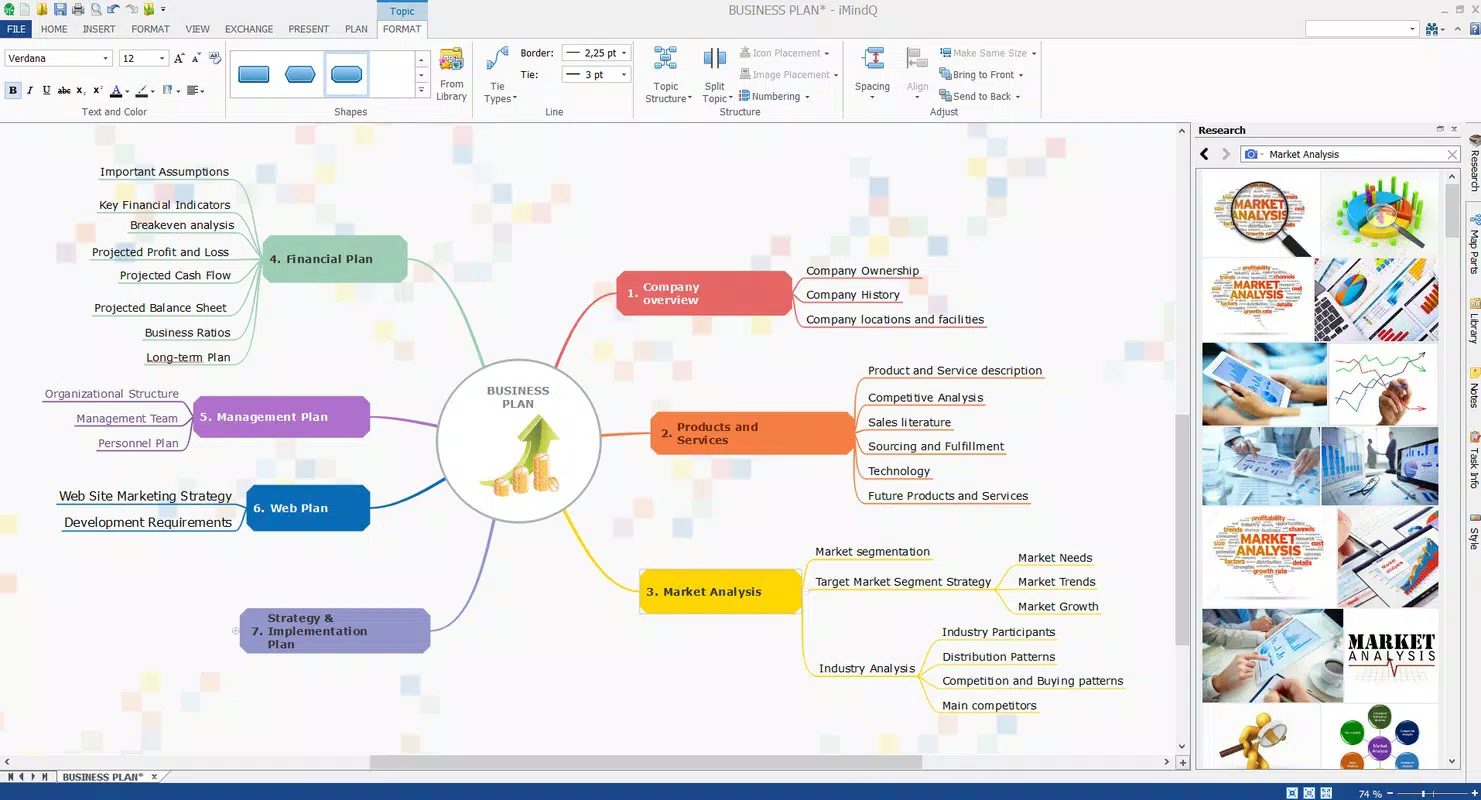
- User-Friendly Interface: The app adopts a layout similar to Microsoft Word, with clearly labeled menus for home, insert, and format functions. This organization allows users to access core tools quickly, minimizing navigation friction and supporting efficient workflow.
- Customizable Canvas: Users begin with a blank, resizable canvas, enabling unlimited space for idea expansion. This flexibility accommodates both small-scale brainstorming and large, multi-layered projects.
- Diverse Element Inclusion: The app supports a variety of visual components, including lines, colors, fonts, and floating elements like bubbles. These tools allow users to emphasize key concepts, differentiate between idea types, and visually organize content.
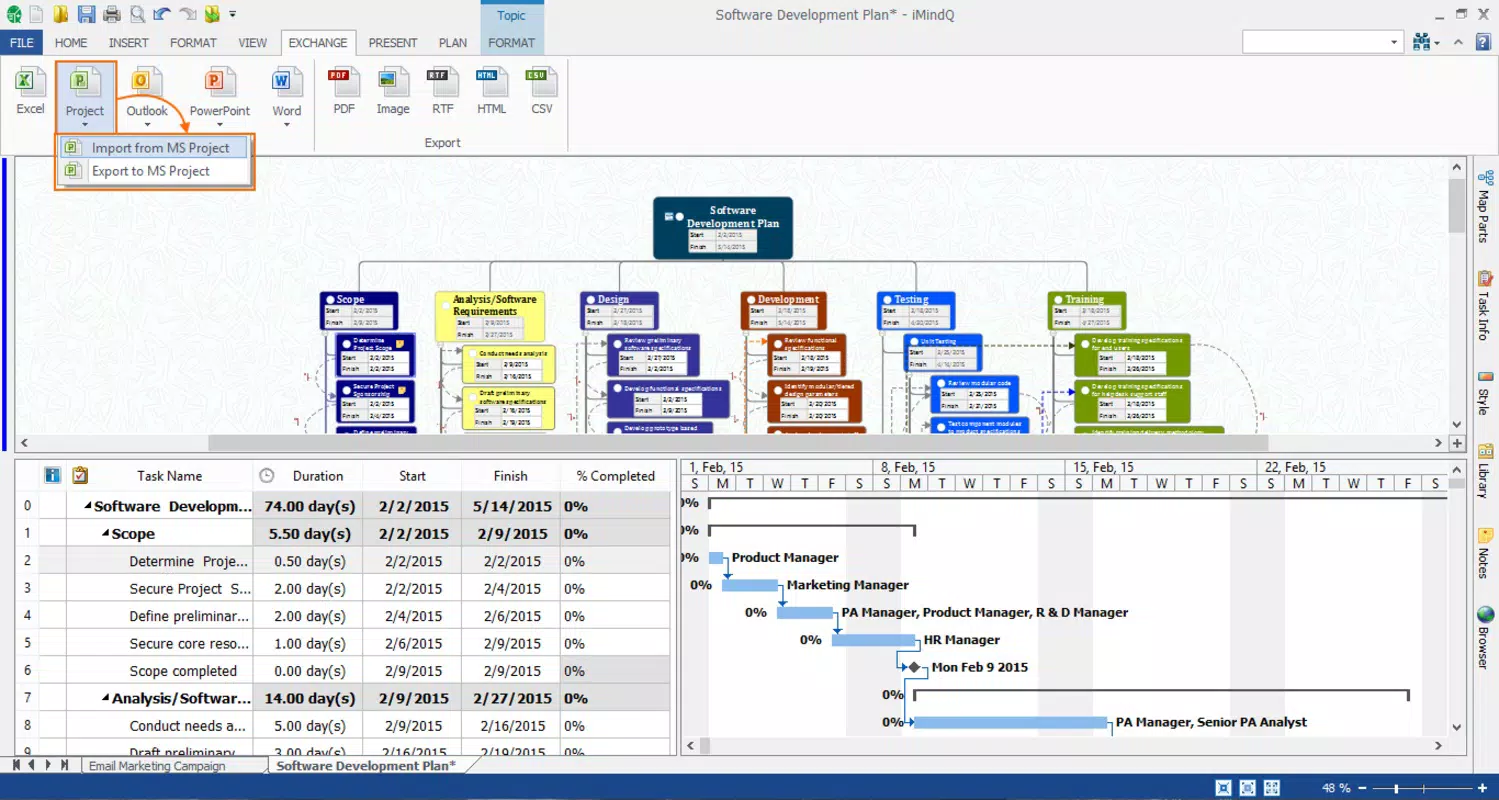
- Easy Export Options: Completed mind maps can be exported in PDF format, ensuring compatibility across devices and platforms. This feature supports seamless sharing for presentations, documentation, or digital archiving.
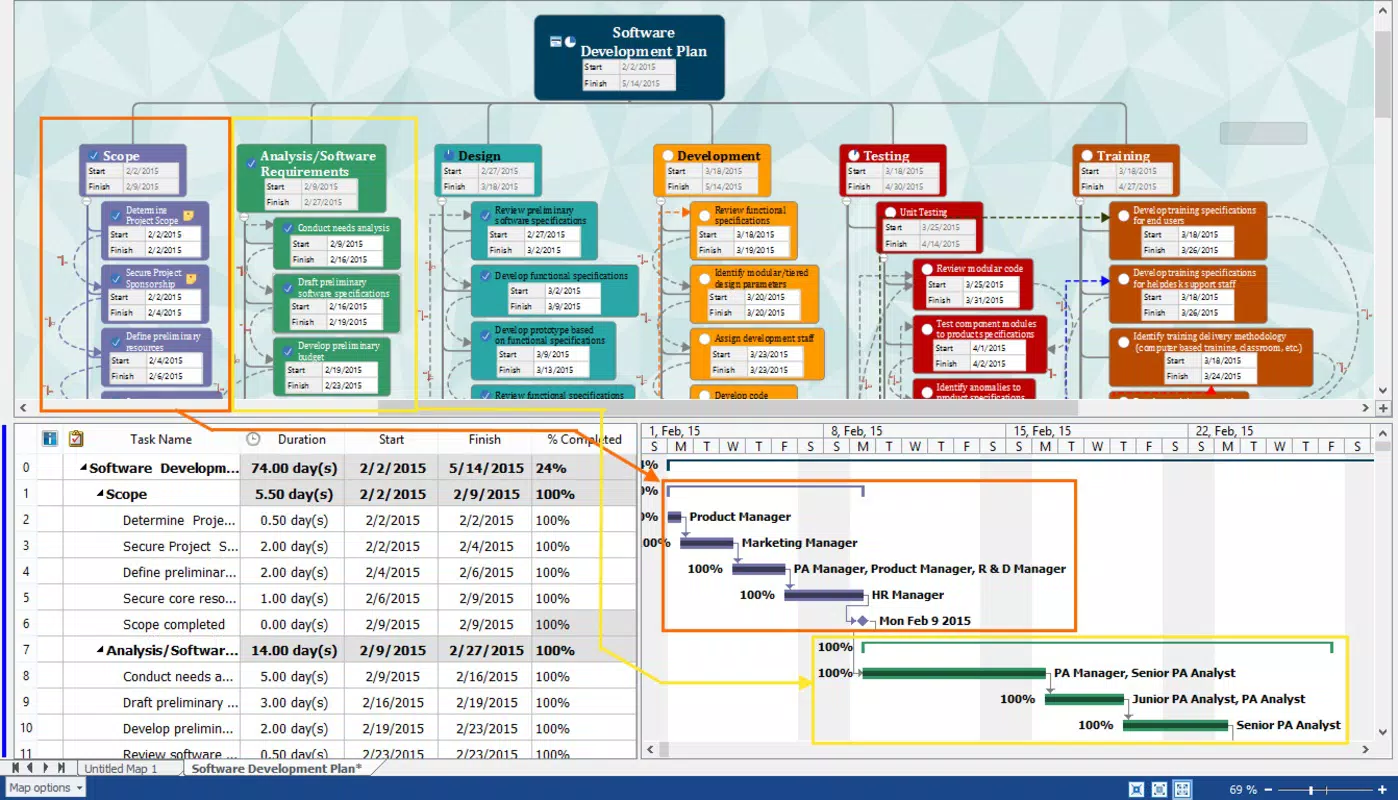
For example, a student preparing for an exam can use the customizable canvas to map out interconnected topics, applying color-coded bubbles to highlight high-yield concepts. A project manager might structure a team initiative by linking tasks, responsibilities, and timelines in a visual format. The export function ensures that these maps can be shared with stakeholders without requiring additional software. These use cases illustrate how iMindQ bridges the gap between creative ideation and practical application.
Interface, UX & Performance
The interface of iMindQ is designed with clarity and efficiency in mind. The layout mirrors traditional word processors, with menu categories logically grouped and accessible via a clean, uncluttered design. Navigation is straightforward, allowing users to move between functions with minimal effort. The visual style emphasizes functionality over ornamentation, prioritizing usability for focused work sessions. Users can expect a consistent experience when creating, editing, and exporting mind maps, with minimal disruptions.
Although the developer did not list formal performance metrics, the app’s lightweight file size of 12.8 MB suggests optimized resource usage. This makes it suitable for a wide range of Android devices, including those with modest hardware specifications. Responsiveness appears to be stable based on its long-term availability and consistent user feedback.
The app maintains stability during extended use, supporting smooth drawing, resizing, and editing operations. However, specific requirements for device compatibility were not fully disclosed. Users should expect reliable performance on standard Android smartphones, though detailed benchmarks were not provided.
Platform Compatibility & Technical Requirements
iMindQ is available exclusively on the Android platform. The current version is 1.0.2, with a file size of 12.8 MB. The app is offered at no cost, making it accessible to a broad audience seeking a lightweight visual thinking tool.
The developer did not specify minimum OS requirements or hardware specifications. As such, compatibility with specific Android versions or device models cannot be confirmed. Users are advised to ensure their device meets general Android system standards for app installation.
The absence of detailed technical information limits precise assessment of compatibility, but the app’s small footprint indicates broad potential for deployment across various devices.
Pros and Cons
Pros
- Free to download and use, reducing barriers to entry for students and casual users.
- Intuitive interface inspired by familiar tools like Microsoft Word, minimizing the learning curve.
- Flexible canvas supports large-scale idea mapping and creative expansion.
- Supports export to PDF, enabling easy sharing and cross-device access.
- Lightweight design with a small file size of 12.8 MB.
Cons
- Specific OS and device requirements were not disclosed by the developer.
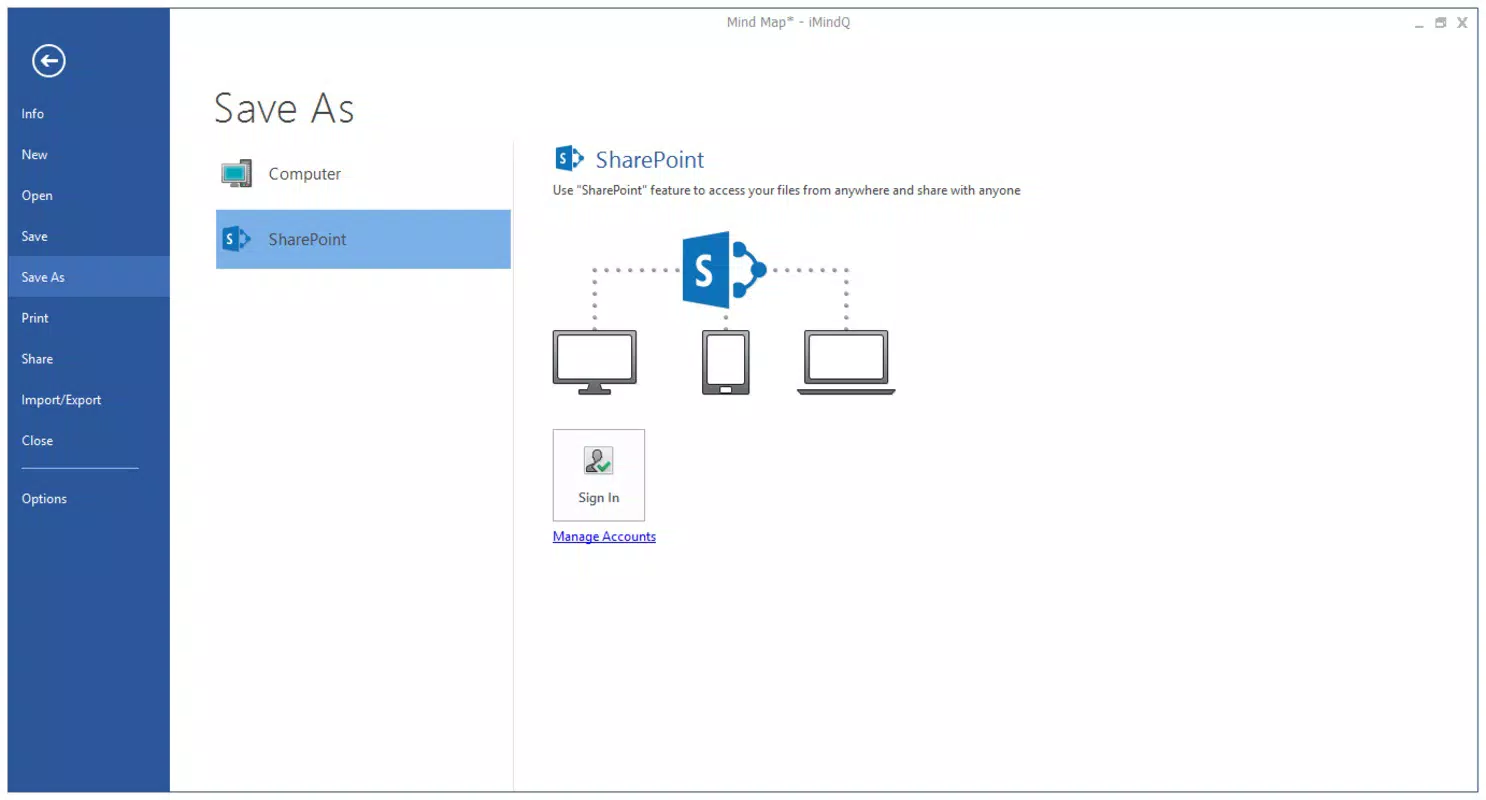
- No information provided on cloud sync, collaboration features, or real-time updates.
- Limited detail on export formats beyond PDF.
- No mention of in-app purchases or subscription tiers, which may affect long-term availability.
- Performance on older or low-end devices remains unverified.
FAQ
Is iMindQ safe to download and install?
Yes, the app is available through official Android channels and is free from known malware. Its long-standing presence in the market indicates a secure and stable release.
Can I use iMindQ offline?
Yes, the app does not require an internet connection to create, edit, or export mind maps, making it ideal for use in environments without connectivity.
Does iMindQ support cloud storage or synchronization?
The developer did not provide information on cloud integration or data syncing across devices.
Is iMindQ available for iOS devices?
Currently, the app is only available for Android. There is no official release for iOS platforms.
How often is iMindQ updated?
Specific update frequency was not disclosed. However, the app has remained available since its initial release in 2015, suggesting ongoing maintenance.
Final Thoughts
iMindQ stands out as a practical, no-cost solution for individuals seeking to enhance their thinking and planning processes through visual tools. Its clean interface, flexible canvas, and PDF export functionality make it a reliable companion for students, professionals, and creatives. While detailed technical and feature information is limited, the app delivers core functionality with minimal friction.
It excels in simplicity, accessibility, and ease of use, particularly for users already familiar with document-based workflows. For those in need of a straightforward mind mapping utility without the complexity of advanced collaboration tools, iMindQ offers a compelling value proposition. Its free status and lightweight design further amplify its appeal.
Download iMindQ now.


